
- 0
- 2,012 words
Choosing a development laptop in 2026 is more important than ever.
Developers are no longer limited to writing code in a single IDE and deploying simple applications. Modern software engineering involves Docker containers, cloud infrastructure, AI frameworks, virtual machines, mobile app development, large databases, and resource-intensive development environments.
Over the last few years, Apple Silicon has completely changed the laptop market. MacBooks are no longer known only for premium design and battery life. Today’s Apple Silicon machines deliver exceptional performance that rivals many desktop systems.
At the same time, gaming laptops have evolved dramatically. Modern Intel Core Ultra and AMD Ryzen AI processors combined with powerful NVIDIA GPUs have transformed gaming laptops into serious developer workstations.
This has created one of the biggest debates among programmers:
Gaming laptop vs MacBook for programming which one should you buy?
I have spent years developing applications on both platforms. From web development and enterprise software to cloud engineering, Android apps, AI projects, and DevOps environments, I’ve experienced the strengths and frustrations of each ecosystem firsthand.
In this guide, you’ll learn which laptop is best for coding, how each platform performs in real-world development scenarios, and which option offers the best long-term value for your career.
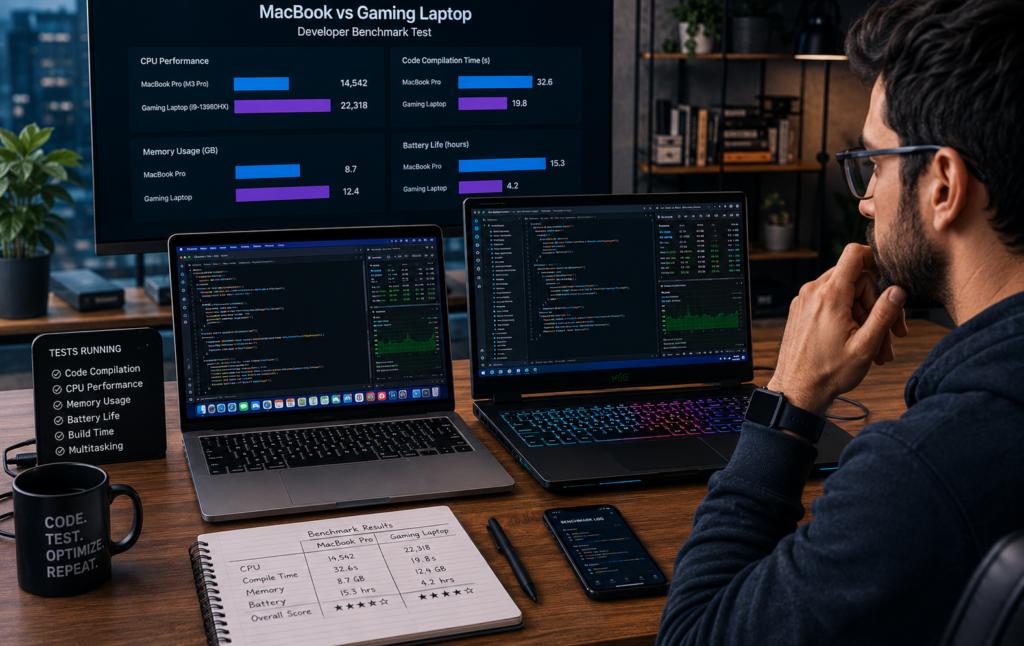
Gaming Laptop vs MacBook for Programming – Quick Overview
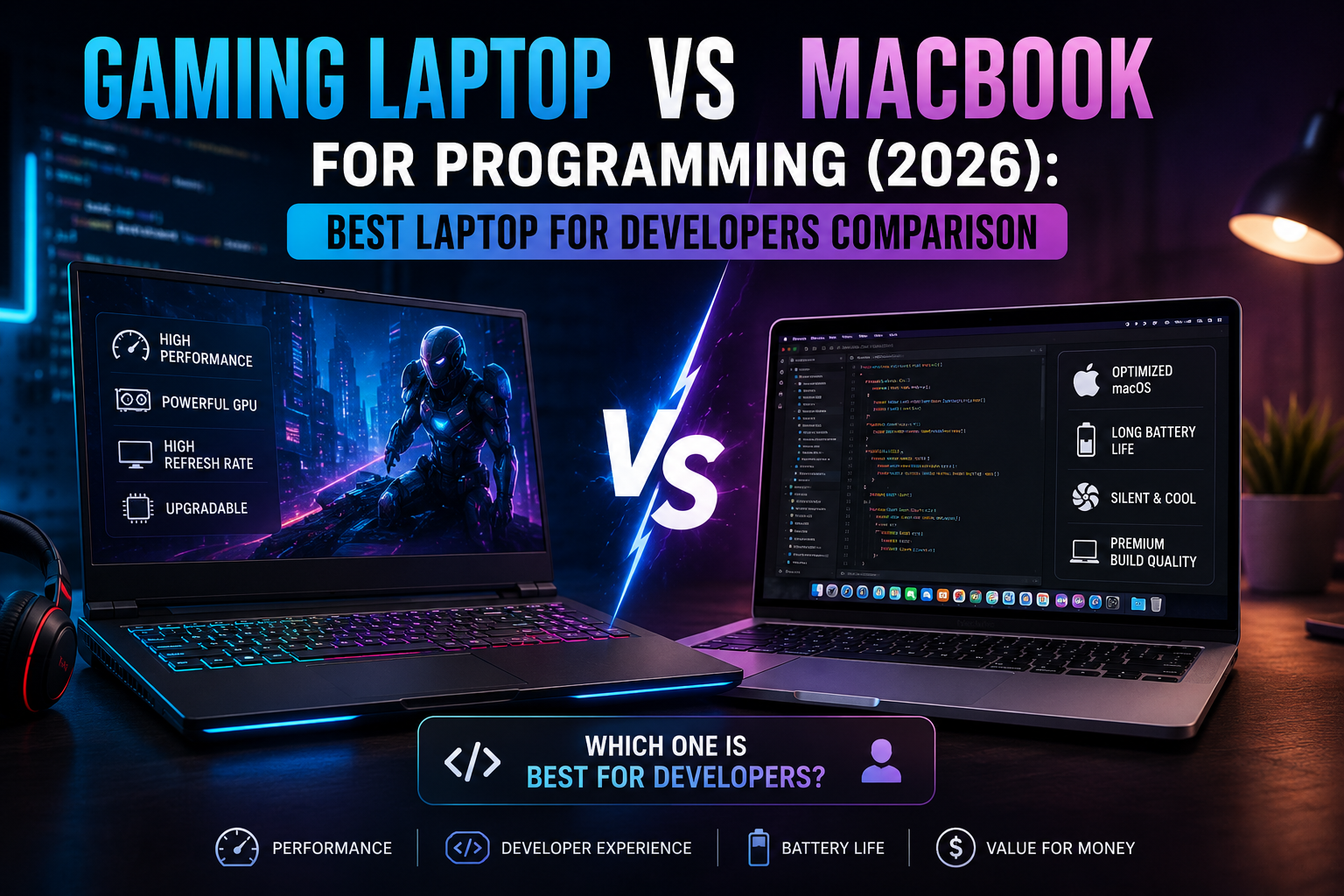
When comparing a gaming laptop vs MacBook for programming, the biggest difference comes down to philosophy.
Apple focuses on efficiency, battery life, software integration, and developer experience.
Gaming laptop manufacturers focus on raw power, flexibility, GPU performance, and customization.
This distinction affects almost every aspect of development.
| Category | MacBook | Gaming Laptop |
|---|---|---|
| Target User | Developers, Creators | Developers, Gamers, AI Engineers |
| OS | macOS | Windows/Linux |
| Battery | Excellent | Moderate |
| GPU Power | Moderate | Extremely High |
| Upgradeability | Limited | Better |
| Portability | Excellent | Varies |
| Ecosystem | Apple-centric | Flexible |
For many developers, this becomes the ultimate best laptop for developers comparison because both systems excel in different areas.
Detailed Comparison Table
| Feature | MacBook | Gaming Laptop | Winner |
| CPU Performance | Excellent | Excellent | Tie |
| Battery Life | Outstanding | Average | MacBook |
| Portability | Lightweight | Heavier | MacBook |
| Build Quality | Premium | Varies | MacBook |
| Display Quality | Exceptional | Excellent | MacBook |
| Upgradeability | Limited | Better | Gaming Laptop |
| Gaming Performance | Weak | Outstanding | Gaming Laptop |
| Linux Compatibility | Limited | Excellent | Gaming Laptop |
| Web Development | Excellent | Excellent | Tie |
| Mobile Development | Excellent | Good | MacBook |
| AI Development | Limited GPU | Powerful GPU | Gaming Laptop |
| Value for Money | Premium Price | Better Options | Gaming Laptop |
Performance Comparison for Developers
MacBook Performance
Apple Silicon completely changed my opinion about MacBooks.
When I first tested an M-series MacBook, I expected good battery life. What surprised me was the compilation speed.
Large React projects built quickly.
Docker containers ran smoothly.
Node.js applications felt incredibly responsive.
Resource management remains one of macOS’s strongest advantages. Even with multiple browsers, VS Code, Docker containers, terminal windows, Slack, and documentation open simultaneously, the system rarely feels sluggish.
The unified memory architecture also helps with development workloads. RAM usage often feels more efficient compared to traditional Windows systems.
For developers using:
- React
- Next.js
- Node.js
- Python
- Ruby
- Go
- Docker
MacBooks provide a highly optimized experience.
Useful resources:
- Apple Developer: https://developer.apple.com
- Visual Studio Code: https://code.visualstudio.com
Gaming Laptop Performance
Gaming laptops focus on brute-force performance.
Modern systems equipped with Intel Core Ultra processors, AMD Ryzen AI chips, and NVIDIA RTX graphics can handle virtually anything developers throw at them.
My recent testing with AI workloads highlighted a major difference.
Running local LLMs, machine learning models, Stable Diffusion, and CUDA-based frameworks feels significantly faster on gaming laptops.
The dedicated GPU changes everything.
Tasks such as:
- Model training
- AI experimentation
- Unreal Engine development
- 3D rendering
- Data science
benefit enormously from discrete graphics hardware.
If your workflow demands maximum processing power, gaming laptops often win.

MacBook vs Windows Laptop for Coding
Web Development
For web development, both platforms perform exceptionally well.
I build React, Next.js, and TypeScript applications on both systems regularly.
MacBooks offer a UNIX-based environment that feels closer to production Linux servers.
Windows developers can achieve similar results using Windows Subsystem for Linux (WSL).
Microsoft Developer:
https://developer.microsoft.com
In practical terms, most web developers can succeed on either platform.
Mobile App Development
This category strongly favors MacBooks.
If you develop iOS applications, you need Xcode.
Xcode only runs on macOS.
Android development works well on both systems, although Android Studio can benefit from the additional RAM and GPU resources available on gaming laptops.
Android Developers:
https://developer.android.com
AI and Machine Learning
This is where gaming laptops dominate.
CUDA support from NVIDIA remains the industry standard for many machine learning frameworks.
TensorFlow, PyTorch, local LLMs, and generative AI tools often perform significantly better on RTX-powered laptops.
Developers working in AI should seriously consider a gaming laptop.
Cloud and DevOps
For DevOps engineers, both platforms work well.
Docker:
https://docs.docker.com
Kubernetes, Terraform, AWS CLI, Azure CLI, and Linux tooling feel extremely natural on macOS.
However, Windows with WSL has narrowed the gap considerably.
Game Development
Gaming laptops clearly win.
Game engines such as Unity and Unreal Engine benefit from powerful GPUs.
Testing, rendering, and asset creation all become easier with dedicated graphics hardware.
When discussing macbook vs windows laptop for coding, game development remains one of the strongest arguments for Windows-based gaming systems.
Battery Life and Portability
MacBook Advantages
Battery life is arguably the biggest advantage MacBooks have today.
I have attended client meetings, worked from airports, coded in coffee shops, and traveled internationally using MacBooks without carrying a charger.
A modern MacBook can often last an entire workday.
For freelancers and remote developers, this changes how you work.
Gaming Laptop Advantages
Gaming laptops have improved, but battery life still trails behind.
However, gaming laptops offer advantages in flexibility.
More ports.
More upgrade options.
More hardware choices.
Larger screens.
If you mostly work at a desk, battery life becomes less important.
Software Ecosystem and Developer Experience
macOS
Many developers love macOS because it combines a polished interface with UNIX foundations.
Terminal workflows feel natural.
Package managers like Homebrew simplify software installation.
Developer tools integrate seamlessly.
Windows
Windows offers unmatched flexibility.
WSL has dramatically improved the developer experience.
Many enterprise organizations still standardize on Windows environments.
Linux Compatibility
Gaming laptops offer the most flexibility here.
Installing Linux distributions such as Ubuntu, Fedora, or Arch Linux is generally easier.
Developers who enjoy customization often prefer Linux-powered gaming laptops.
Development Tools
Both platforms support:
- VS Code
- JetBrains IDEs
- Docker
- Git
- Node.js
- Python
JetBrains:
https://www.jetbrains.com
The main exception remains Xcode, which requires macOS.
When evaluating macbook for software development vs gaming laptop, the software ecosystem should influence your decision as much as hardware specifications.
Best Use Cases for a MacBook
iOS Developers
The decision is simple.
If you build iOS applications professionally, buy a MacBook.
Web Developers
MacBooks provide excellent performance, portability, and battery life.
Freelancers
Freelancers frequently work from multiple locations.
The combination of reliability and battery life makes MacBooks attractive.
Remote Workers
Remote developers often value quiet operation and mobility.
MacBooks excel in both areas.
Best Use Cases for a Gaming Laptop
Game Developers
Powerful GPUs make gaming laptops the obvious choice.
AI Engineers
Local AI development heavily benefits from dedicated graphics hardware.
Machine Learning Developers
Training models becomes significantly faster with NVIDIA RTX GPUs.
Developers Who Need GPU Power
If your workflow includes:
- Blender
- Unreal Engine
- Stable Diffusion
- CUDA
- Local AI Models
choose a gaming laptop.

My Experience Using Both for 15 Years
I started my career using Windows laptops.
Back then, Windows dominated software development.
As my projects became more complex, I moved toward MacBooks.
The UNIX environment immediately felt more natural for development.
SSH sessions, server management, Docker workflows, and scripting became easier.
What impressed me most was consistency.
MacBooks rarely required troubleshooting.
Everything simply worked.
Several years later, AI development brought me back to gaming laptops.
The GPU advantage was impossible to ignore.
Running machine learning experiments locally became dramatically faster.
My biggest frustration with MacBooks remains limited upgradeability.
My biggest frustration with gaming laptops remains battery life.
If I spend a day traveling and attending meetings, I prefer a MacBook.
If I’m training models, building games, or working with GPU-intensive workloads, I reach for a gaming laptop.
In terms of overall productivity, MacBooks often help me accomplish more because they reduce friction.
But for specialized workloads, gaming laptops deliver capabilities that MacBooks simply cannot match.
Common Mistakes Developers Make When Buying a Laptop
Prioritizing Specs Over Workflow
Raw specifications do not guarantee productivity.
Always evaluate your actual development workflow.
Ignoring Battery Life
Battery life affects productivity more than many developers realize.
Choosing Based on Brand Loyalty
Choose the tool that matches your work.
Not the logo.
Buying Too Little RAM
In 2026, 16GB should be considered the minimum.
32GB is becoming the sweet spot.
Not Considering Future Needs
Think about where your career is heading.
AI development requires different hardware than web development.
Which Laptop Is Best for Coding in 2026?
Best for Students
Gaming Laptop with Ryzen AI processor.
Better value for money.
Best for Web Developers
MacBook Air or MacBook Pro.
Best for Mobile Developers
MacBook Pro.
Best for AI Developers
Gaming Laptop with NVIDIA RTX GPU.
Best for Freelancers
MacBook Air.
Best Overall
For most developers, the answer to which laptop is best for coding depends on workload.
General software development:
MacBook.
GPU-intensive development:
Gaming Laptop.
This remains the most balanced best laptop for developers comparison available today.
Frequently Asked Questions
Is a MacBook better than a gaming laptop for programming?
For general programming, web development, and iOS development, MacBooks often provide a smoother experience. For AI and game development, gaming laptops usually perform better.
Which laptop is best for coding in 2026?
The best choice depends on your workload. MacBooks excel in portability and battery life, while gaming laptops excel in GPU-intensive tasks.
Can gaming laptops be used for software development?
Absolutely. Many professional developers use gaming laptops because of their powerful processors and dedicated GPUs.
Is macOS better than Windows for developers?
macOS offers a UNIX-based environment that many developers prefer. Windows provides greater flexibility and hardware choices.
Do developers need dedicated GPUs?
Most web developers do not. AI engineers, machine learning developers, and game developers often benefit significantly from dedicated GPUs.
Is a MacBook worth it for coding?
Yes. MacBooks provide excellent performance, battery life, and software integration for many development workflows.
Which laptop offers better battery life?
MacBooks consistently outperform gaming laptops in battery efficiency.
What is the best laptop for developers comparison today?
The most practical comparison is workload-based. MacBooks lead in mobility and software development, while gaming laptops dominate AI and GPU-intensive development.
Conclusion
The debate around gaming laptop vs MacBook for programming has become more interesting than ever.
Apple Silicon transformed MacBooks into powerful development machines with outstanding battery life, portability, and software integration.
Gaming laptops evolved into workstation-class systems capable of handling AI training, game development, rendering, and GPU-intensive workloads.
If your primary focus is web development, software engineering, freelancing, cloud infrastructure, or iOS development, a MacBook remains one of the smartest investments you can make.
If you work with machine learning, generative AI, Unreal Engine, CUDA workloads, or GPU-heavy applications, a gaming laptop provides capabilities that justify its size and power consumption.
Rather than searching for a universal winner, focus on your workflow, career goals, and future projects.
The right laptop is not the one with the highest benchmark score.
The right laptop is the one that helps you build, ship, and scale software more efficiently every day.
Author

razamohd1203@gmail.com
Related Posts
Best Portable Monitor for Laptop Productivity (2026): Top Portable Displays for Remote Work, Travel & Dual-Screen Setups
- 0
- 1,662 word
In 2026, a second screen is no longer a luxury for professionals it has become a productivity necessity. Over the last 15...
Best Tech Accessories for Remote Work Setup: Top Productivity Gadgets for Home Offices in 2026
- 0
- 1,821 word
Remote work has evolved dramatically over the past decade. After spending more than 15 years building home offices, testing productivity tools, reviewing...

Best Wireless Earbuds 2026: Top Bluetooth Earbuds for Calls, Music & Everyday Use
- 0
- 1,579 word
After spending more than 15 years testing wireless audio products from early Bluetooth headsets with terrible battery life to today’s AI-powered earbuds...
Best Smartwatch for Productivity 2026: Top Smartwatches for Professionals and Business Users
- 1
- 1,367 word
In the last decade, wearable technology has shifted from being a fitness accessory to becoming a serious productivity tool for modern professionals....