
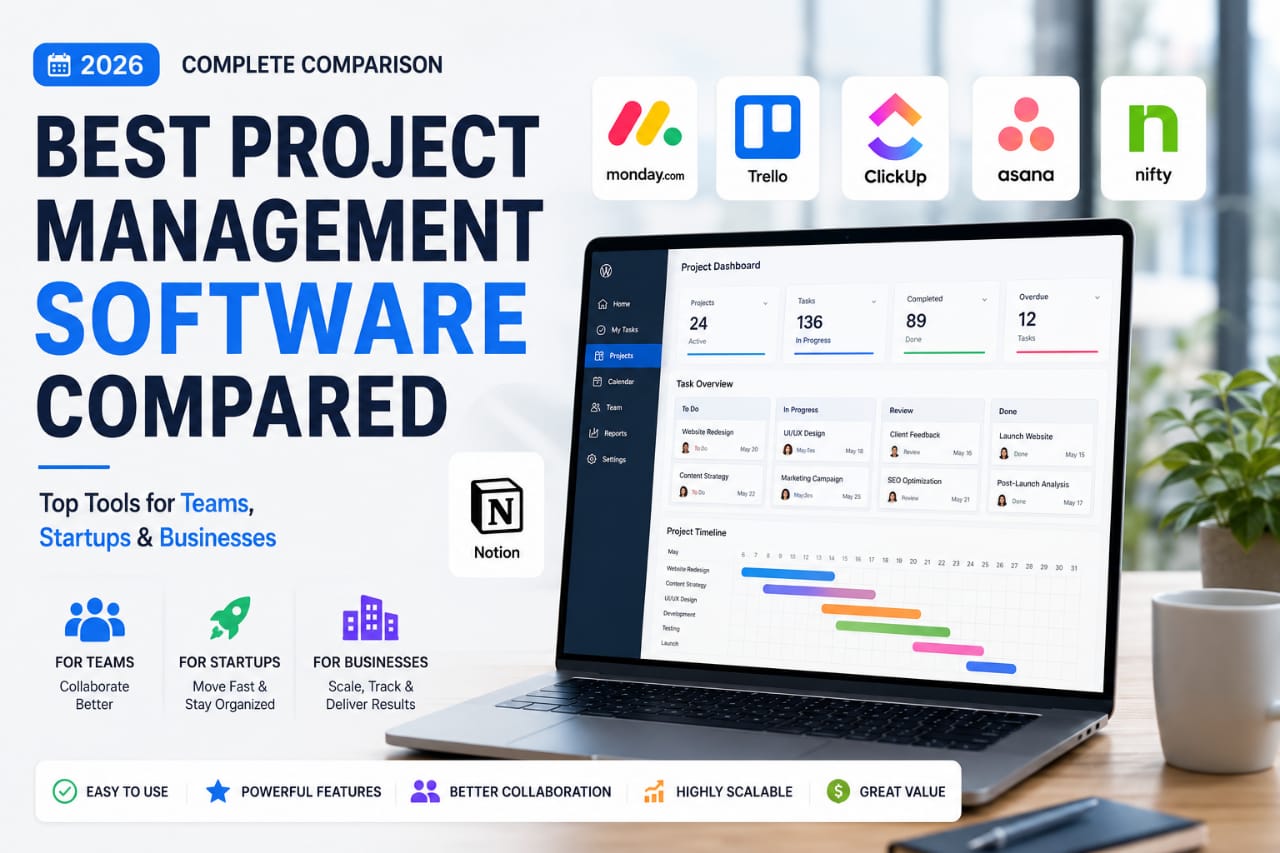
- 0
- 1,840 word
In 2026, project management software is no longer a luxury. It has become the operating system of modern businesses. Whether you’re running a startup, managing a remote team, leading a marketing agency, or coordinating enterprise-level projects, the right platform can dramatically improve productivity, visibility, and collaboration.
I still remember managing projects using spreadsheets, email chains, and endless status meetings more than a decade ago. At the time, spreadsheets felt organized until projects became larger, teams grew, deadlines slipped, and nobody knew which version of the document was the latest.
After implementing dozens of project management platforms over the last 15 years, I’ve seen firsthand how modern project collaboration software transforms workflows. Teams communicate faster, managers gain real-time visibility, and automation eliminates countless repetitive tasks.
In this guide, I’ll share a practical project management tools comparison based on real-world experience to help you choose the best project management software for your needs in 2026.
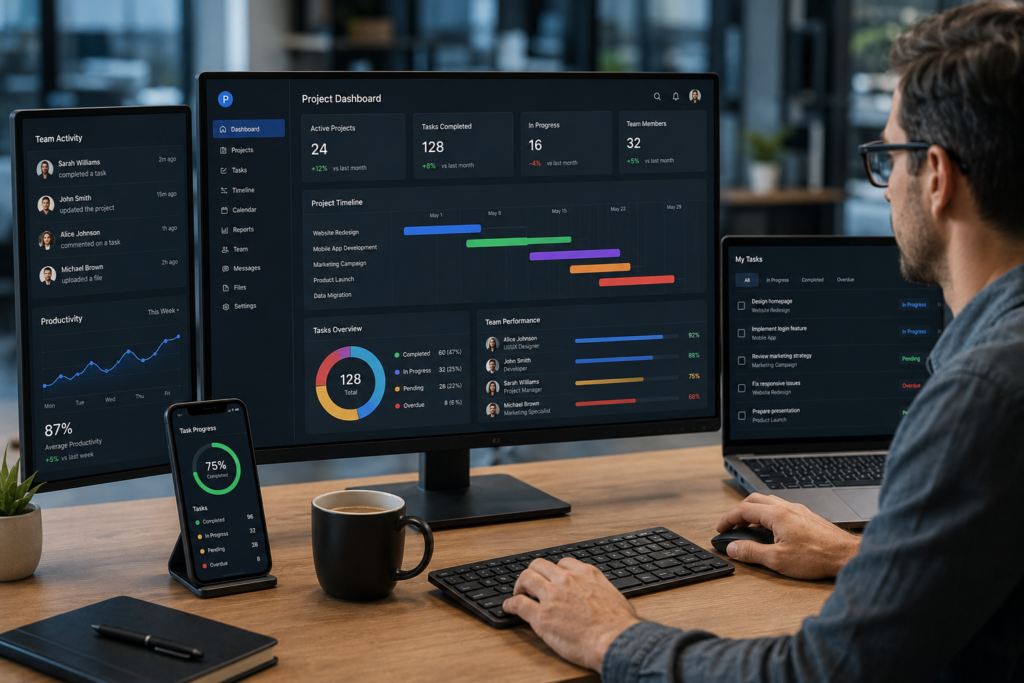
Why Businesses Need the Best Project Management Software in 2026
Increasing Team Productivity
One of the biggest productivity killers I encounter is task confusion. When employees don’t know priorities, deadlines, or responsibilities, work slows down quickly.
Modern project management software provides clarity through centralized task management, reducing wasted time and increasing accountability.
Better Communication and Collaboration
The best project collaboration software eliminates communication silos. Team discussions stay connected to specific tasks, reducing unnecessary meetings and endless email threads.
Improved Project Visibility
Managers can instantly see project progress, bottlenecks, workload distribution, and upcoming deadlines. This visibility helps teams make better decisions before problems escalate.
Streamlined Workflow Automation
Automation has become a game changer. Simple automations like status updates, notifications, recurring tasks, and approval workflows can save hundreds of hours annually.
Remote Team Management
Having managed distributed teams across multiple time zones, I can confidently say that project management software is essential for remote work. It creates transparency and keeps everyone aligned regardless of location.
Key Features to Look for in Project Management Software
Task Management
Look for task creation, assignment, priorities, due dates, dependencies, and progress tracking.
Team Collaboration Tools
Comments, mentions, file sharing, shared workspaces, and communication features improve team coordination.
Time Tracking
Time tracking helps agencies, freelancers, and managers measure productivity and project profitability.
Reporting and Analytics
Real-time dashboards and reporting help identify delays, resource constraints, and performance trends.
Workflow Automation
Automation reduces repetitive work and keeps processes moving efficiently.
Integrations
The best project management software should connect with communication, CRM, development, and productivity tools.
Mobile Accessibility
Mobile apps allow teams to manage projects from anywhere.
Security and Compliance
Enterprise-grade security, permissions, compliance standards, and data protection are increasingly important.
Top Project Management Tools Compared
Asana
Overview
Asana remains one of the most balanced project management platforms available.
Key Features
Task management, timelines, goals, automation, reporting, and collaboration tools.
Ease of Use
Very user-friendly with a clean interface.
Collaboration Capabilities
Strong communication features and project visibility.
Pricing
Free plan available with scalable premium options.
Pros
- Easy adoption
- Excellent user experience
- Strong reporting
Cons
- Advanced features require higher plans
- Can become expensive for larger teams
Best Use Cases
Marketing teams, operations departments, and growing businesses.
Personal Experience & Insights
I’ve implemented Asana for multiple marketing agencies. Adoption rates were consistently high because team members quickly understood the interface.
ClickUp
Overview
ClickUp positions itself as an all-in-one productivity platform.
Key Features
Tasks, docs, goals, dashboards, time tracking, and automation.
Ease of Use
Powerful but requires a learning curve.
Collaboration Capabilities
Excellent collaboration and centralized workspace management.
Pricing
Competitive pricing with generous functionality.
Pros
- Feature-rich
- Highly customizable
- Excellent value
Cons
- Can feel overwhelming initially
- Setup requires planning
Best Use Cases
Startups, agencies, and scaling organizations.
Personal Experience & Insights
ClickUp often delivers the highest value for growing companies seeking flexibility without purchasing multiple tools.
Monday.com
Overview
Monday.com combines visual simplicity with business process management capabilities.
Key Features
Custom workflows, dashboards, automation, and project tracking.
Ease of Use
Very intuitive.
Collaboration Capabilities
Strong team visibility and communication.
Pricing
Mid-to-premium range.
Pros
- Attractive interface
- Flexible workflows
- Excellent dashboards
Cons
- Costs increase quickly
- Some advanced features locked behind higher tiers
Best Use Cases
Operations teams and growing businesses.
Personal Experience & Insights
Monday.com consistently receives positive feedback from non-technical teams due to its visual approach.
Trello
Overview
Trello popularized Kanban-style project management.
Key Features
Boards, lists, cards, automation, and integrations.
Ease of Use
Extremely beginner-friendly.
Collaboration Capabilities
Simple and effective.
Pricing
Affordable with a generous free version.
Pros
- Easy to learn
- Fast setup
- Clean interface
Cons
- Limited advanced functionality
- Not ideal for complex projects
Best Use Cases
Small teams and freelancers.
Personal Experience & Insights
For lightweight project management software for small teams, Trello remains one of the easiest solutions to deploy.
Jira
Overview
Jira remains the standard for agile software development teams.
Key Features
Scrum boards, sprint planning, issue tracking, reporting, and development workflows.
Ease of Use
Moderate learning curve.
Collaboration Capabilities
Excellent for technical teams.
Pricing
Flexible pricing based on team size.
Pros
- Powerful agile features
- Excellent developer workflows
- Detailed reporting
Cons
- Less suitable for non-technical teams
- Setup complexity
Best Use Cases
Software development organizations.
Personal Experience & Insights
Among development teams, Jira consistently delivers the best visibility into agile project execution.
Notion
Overview
Notion combines documentation, collaboration, and project management.
Key Features
Databases, docs, tasks, knowledge management, and collaboration.
Ease of Use
Moderate.
Collaboration Capabilities
Excellent for knowledge sharing.
Pricing
Affordable for most teams.
Pros
- Highly flexible
- Great documentation capabilities
- Strong collaboration
Cons
- Not specialized for complex project management
Best Use Cases
Startups and content teams.
Personal Experience & Insights
Many startups successfully use Notion as a centralized operating system for projects and documentation.
Wrike
Overview
Wrike focuses on enterprise work management.
Key Features
Resource management, reporting, workflow automation, and project planning.
Ease of Use
Moderate.
Collaboration Capabilities
Enterprise-grade collaboration.
Pricing
Premium-focused.
Pros
- Powerful reporting
- Strong resource management
- Enterprise scalability
Cons
- Higher learning curve
- Premium pricing
Best Use Cases
Large organizations and enterprise teams.
Personal Experience & Insights
Wrike excels when managing large teams with complex resource allocation requirements.
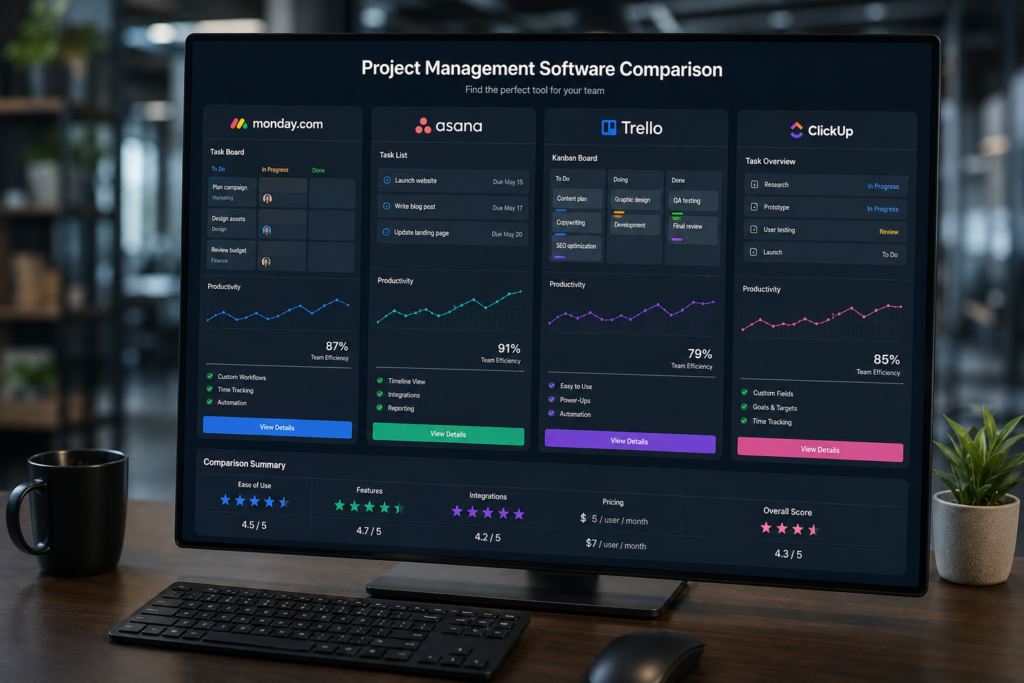
Project Management Tools Comparison Table
| Software | Best For | Ease of Use | Collaboration | Automation | Pricing |
|---|---|---|---|---|---|
| Asana | Marketing Teams | Excellent | Excellent | Strong | Moderate |
| ClickUp | Startups | Good | Excellent | Excellent | Affordable |
| Monday.com | Business Operations | Excellent | Strong | Strong | Moderate |
| Trello | Small Teams | Excellent | Good | Moderate | Affordable |
| Jira | Developers | Moderate | Strong | Excellent | Flexible |
| Notion | Knowledge Management | Good | Excellent | Moderate | Affordable |
| Wrike | Enterprise Teams | Moderate | Excellent | Excellent | Premium |
Best Project Management Software for Different Users
Best for Small Teams
Trello offers simplicity, affordability, and quick onboarding.
Best for Startups
ClickUp provides exceptional value and scalability.
Best for Agencies
Asana balances collaboration, visibility, and client project management.
Best for Developers
Jira remains the leading agile project management solution.
Best for Enterprise Organizations
Wrike offers enterprise-grade reporting and resource management.
Best for Freelancers
Notion provides project tracking and documentation in one platform.

Project Collaboration Software vs Traditional Project Tracking Methods
Spreadsheet-Based Management
Spreadsheets work initially but become difficult to manage as complexity grows.
Email-Based Coordination
Important updates often get buried in email threads, creating confusion.
Modern Collaborative Workspaces
Modern project collaboration software centralizes tasks, communication, documentation, and reporting.
Which Approach Delivers Better Results?
In nearly every implementation I’ve managed, teams moving from spreadsheets to dedicated project management software experienced significant improvements in visibility, accountability, and productivity.
Common Mistakes When Choosing Project Management Software
Choosing Features You Never Use
Avoid selecting software solely because it has the longest feature list.
Ignoring Team Adoption
The best platform is the one your team actually uses consistently.
Overlooking Integrations
Integration gaps often create workflow bottlenecks.
Focusing Only on Price
The cheapest option can become expensive if it reduces productivity.
Neglecting Scalability
Choose a solution that can grow with your business.
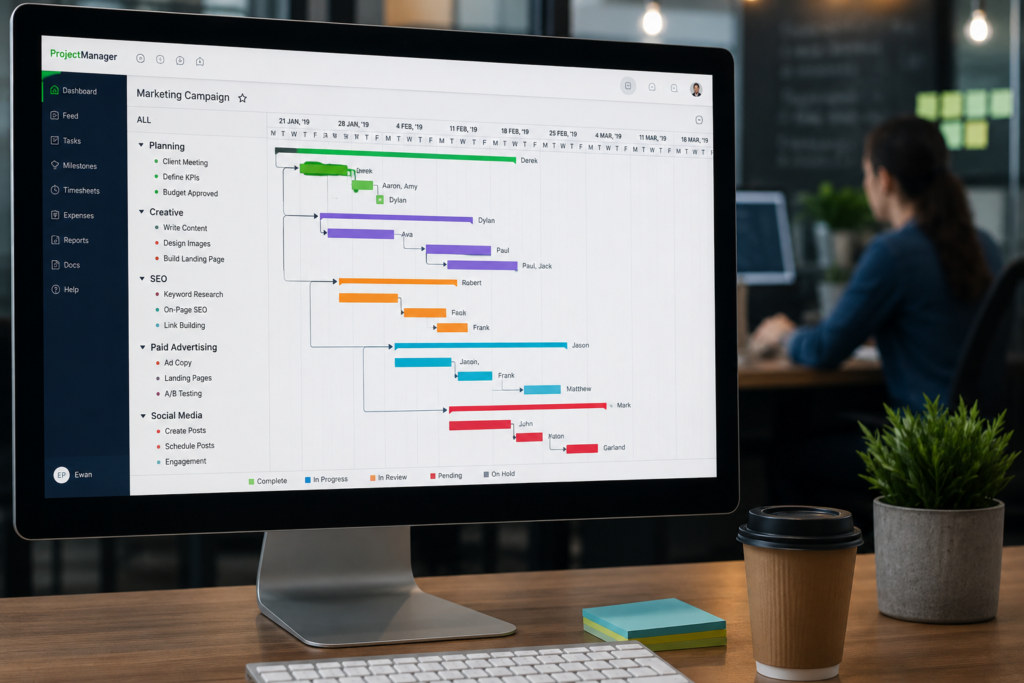
My Experience After Testing Leading Project Management Platforms
Over the years, I’ve learned that software success depends less on features and more on implementation.
The biggest challenge is usually team adoption. Even the best project management software fails when employees continue using old habits.
When teams fully embrace modern platforms, productivity improves dramatically. Automation eliminates repetitive work, communication becomes more transparent, and managers gain better visibility into project health.
The most successful implementations focus on simplicity first. Start with core workflows, train users properly, and expand gradually.
Which Project Management Tool Is the Best in 2026?
Budget-Conscious Teams
ClickUp
Small Businesses
Asana
Growing Startups
ClickUp
Large Organizations
Wrike
Remote Teams
Monday.com
Agile Software Development Teams
Jira
There isn’t a universal winner. The best project management software depends on your team’s workflow, technical requirements, growth plans, and collaboration needs.
Frequently Asked Questions
What is the best project management software?
ClickUp, Asana, and Monday.com are among the top choices in 2026.
Which project management tool is easiest to use?
Trello is generally considered the easiest platform for beginners.
What software is best for small teams?
Trello and Asana are excellent options for smaller teams.
Is ClickUp better than Asana?
ClickUp offers more customization, while Asana provides a simpler user experience.
What project management software do startups use?
Many startups use ClickUp, Notion, and Asana.
Which tool is best for remote teams?
Monday.com and Asana perform exceptionally well for distributed teams.
Can project management software improve productivity?
Yes. Better visibility, automation, and collaboration often lead to measurable productivity gains.
Conclusion
After evaluating and implementing project management platforms for over 15 years, one lesson remains consistent: the best software is the one that aligns with your workflow, team culture, and growth objectives.
Small teams may thrive with Trello. Startups often gain the most value from ClickUp. Agencies frequently prefer Asana. Development teams benefit from Jira, while enterprise organizations often require Wrike’s advanced capabilities.
Before making a decision, evaluate your collaboration requirements, automation needs, scalability goals, integration ecosystem, and user adoption potential.
Choose a platform based on how your team actually works not simply because it’s the most popular. The right project management software can become a powerful competitive advantage that improves productivity, collaboration, and long-term business performance.
Author

razamohd1203@gmail.com
Related Posts
Best Time Management Apps 2026: Top Productivity Tools to Organize Work, Focus Better & Save Time
- 0
- 1,721 word
If there’s one thing I’ve noticed after more than 15 years of helping entrepreneurs, freelancers, executives, and remote teams improve productivity, it’s...

Zoom vs Google Meet vs Microsoft Teams: Complete Comparison for Businesses & Remote Teams (2026)
- 1
- 1,305 word
The way teams work has permanently changed. In 2026, remote work is no longer a “trend” it’s the default operating model for...

Best SaaS Tools for Startups (2026): Top Software Platforms to Scale Your Business Faster
- 1
- 1,863 word
In 2026, startups move faster than ever. Teams launch products globally, hire remote talent, automate operations, and scale without building massive in-house...
Best Productivity Apps for Students (2026): Top Study, Focus & Planner Apps Compared
- 1
- 1,900 word
Student life in 2026 looks very different from what it did a decade ago. Between online classes, hybrid learning, research projects, internships,...