
- 1
- 1,305 word
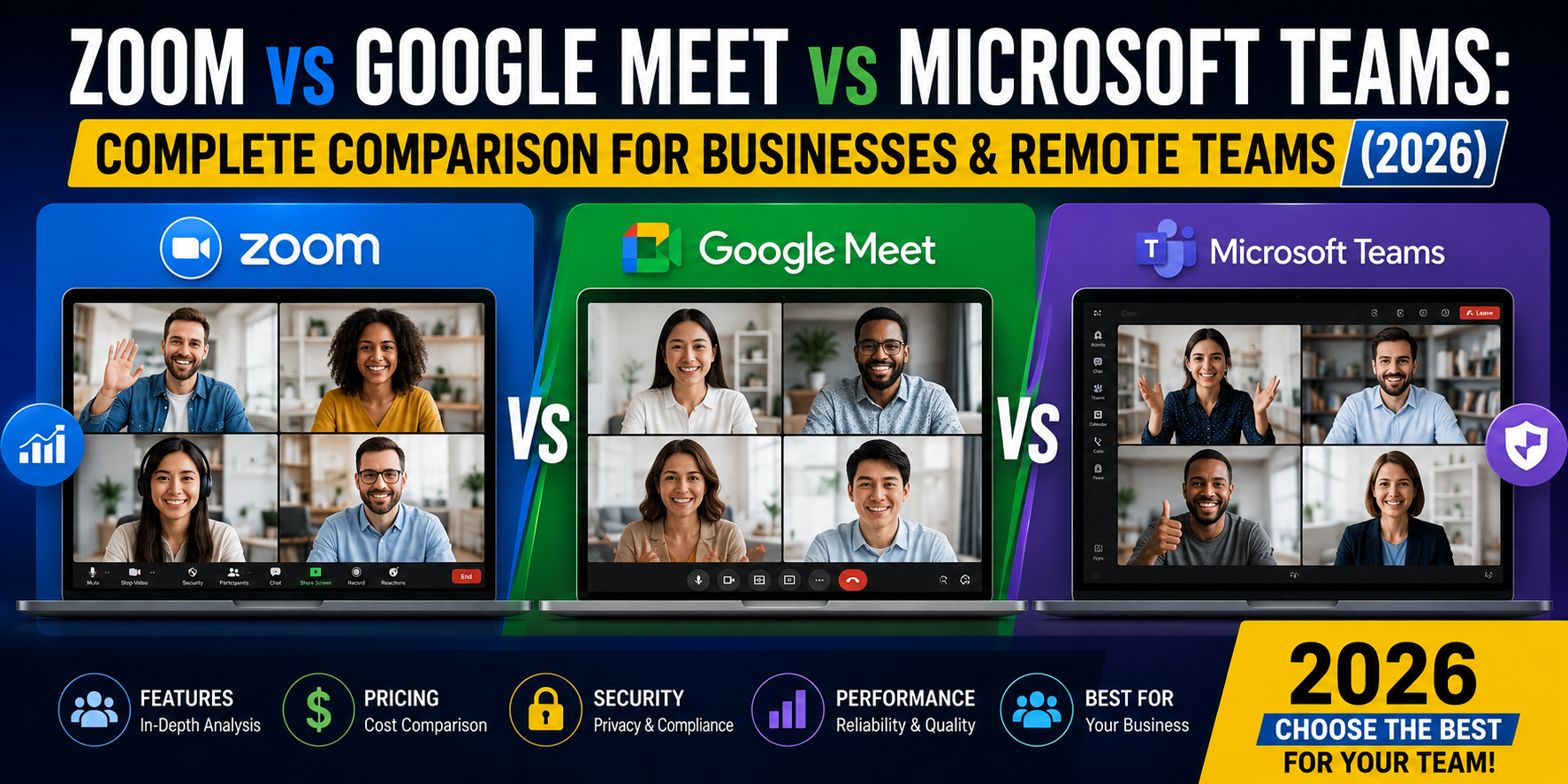
The way teams work has permanently changed. In 2026, remote work is no longer a “trend” it’s the default operating model for startups, enterprises, and global freelance teams. Choosing between zoom vs google meet vs microsoft teams is not just a technical decision anymore; it directly impacts productivity, communication clarity, and even employee satisfaction.
From my experience working with distributed teams across different industries tech startups, e-commerce agencies, and corporate clients the wrong best video conferencing software choice often leads to missed meetings, poor audio quality, and fragmented collaboration workflows.
Modern platforms are now powered by AI: automatic meeting summaries, real-time transcription, smart scheduling, and even action-item extraction. This shift has made online meeting software comparison more complex than ever.
In hybrid setups, I’ve seen companies lose hours weekly simply because their platform didn’t integrate well with their workflow tools. That’s why understanding google meet vs zoom for business and enterprise collaboration tools is essential before committing long-term.
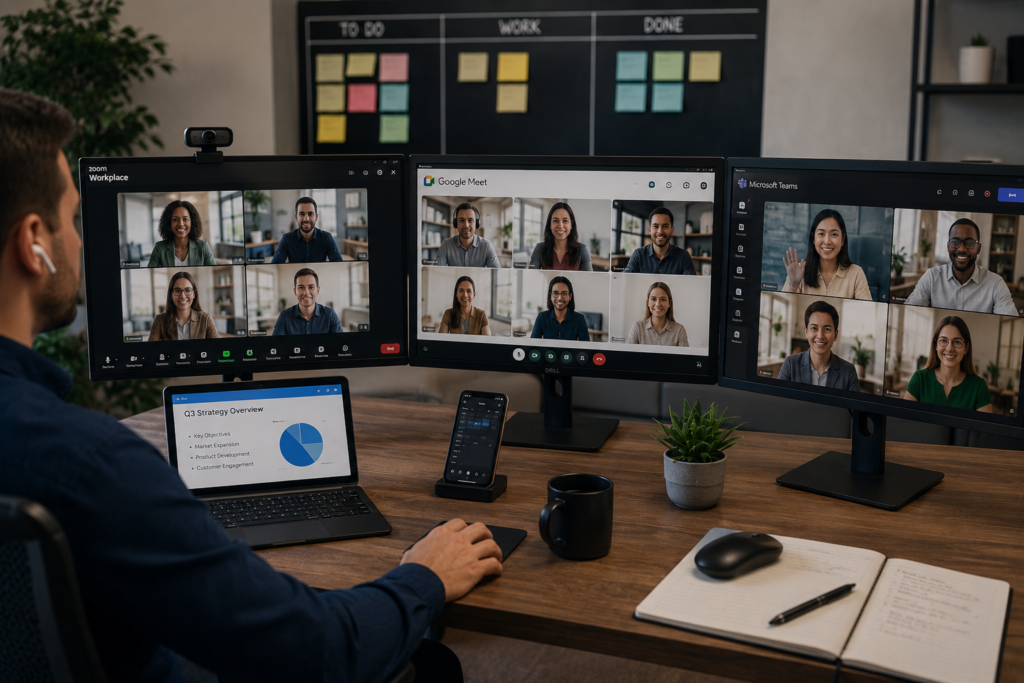
Quick Overview of Zoom vs Google Meet vs Microsoft Teams
Zoom
Zoom is widely known for its reliability and simplicity. It became the global leader during the remote work boom and continues to dominate external client meetings, webinars, and large-scale virtual events. Its strength lies in stability and user-friendly meeting controls.
Official site: Zoom Official Website
Google Meet
Google Meet is tightly integrated into Google Workspace and offers a browser-first experience. It’s extremely lightweight, making it ideal for quick meetings without software installation.
Official site: Google Meet Official Website
Microsoft Teams
Microsoft Teams is more than just a meeting tool it’s a full collaboration ecosystem. It combines chat, file sharing, meetings, and workflow management in one workspace.
Official site: Microsoft Teams Official Website
Zoom vs Google Meet vs Microsoft Teams Comparison Table
| Feature | Zoom | Google Meet | Microsoft Teams |
|---|---|---|---|
| Ease of Use | Very High | Very High | Medium |
| Free Plan | Yes | Yes | Yes |
| Security | High | High | Very High |
| AI Features | Advanced | Growing | Advanced (Copilot) |
| Meeting Capacity | High | Medium | Very High |
| Recording | Paid Plans | Workspace Plans | Included in many plans |
| Integrations | Strong | Google Ecosystem | Microsoft Ecosystem |
| Collaboration | Medium | Medium | Very High |
| Business Use | Excellent | Excellent | Enterprise Leader |
| Pricing | Moderate | Low–Moderate | Bundled in Microsoft 365 |
This comparison shows a clear pattern in teams vs zoom comparison: Zoom leads in meetings, Google Meet excels in simplicity, and Teams dominates full-scale collaboration.
User Interface and Ease of Use
Zoom User Experience
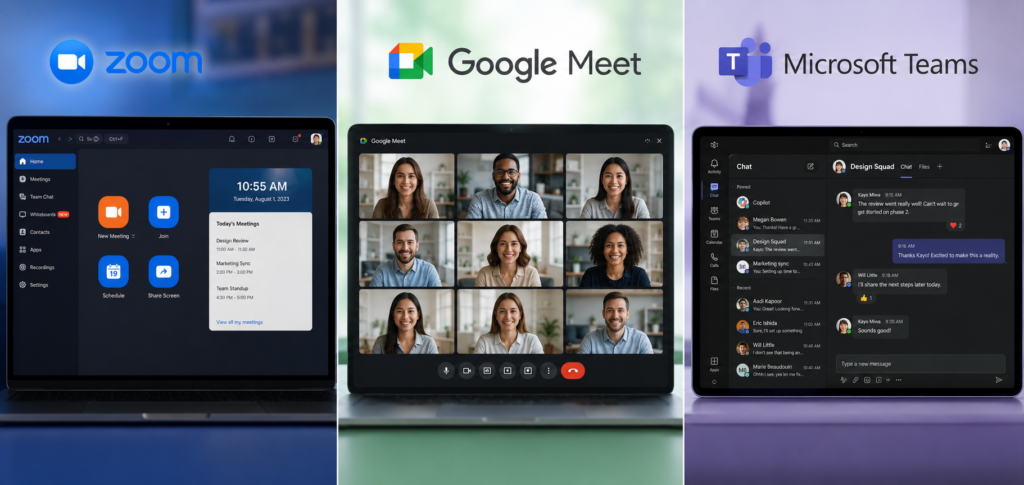
Zoom remains the most intuitive platform I’ve used in real-world client meetings. Even non-technical users can join meetings instantly. Its clean UI makes it perfect for external communication and webinars.
Google Meet Simplicity
Google Meet wins in speed. No downloads, no setup friction just click and join. For fast-paced teams using Gmail and Calendar, it fits perfectly into workflows.
Microsoft Teams Workspace
Teams, however, feels like an entire operating system. It’s powerful but slightly complex. In enterprise environments, I’ve seen teams take weeks to fully adapt to its structure.
Features Comparison – Which Platform Offers More?
Video Quality
Zoom consistently delivers stable HD video even on weaker internet connections. Google Meet performs well but depends heavily on browser optimization. Teams offers strong quality but can feel resource-heavy.
Screen Sharing
All three platforms offer screen sharing, but Zoom provides the smoothest experience, especially during presentations and client demos.
Breakout Rooms
Zoom leads with advanced breakout room controls. Google Meet offers basic versions, while Teams integrates them into structured collaboration channels.
Meeting Recording
Zoom and Teams offer robust recording options. Google Meet includes recording mainly through paid Workspace plans.
AI Meeting Assistants
In 2026, AI is a key differentiator:
- Zoom AI summaries
- Google Meet transcription via Google AI
- Microsoft Copilot in Teams for automated notes
Live Captions
All platforms now support live captions, but Teams provides the most accurate enterprise-grade transcription.
Collaboration Tools
Microsoft Teams dominates here with file sharing, chat threads, and deep integration with Microsoft 365.
Security and Privacy Comparison
Security is a major factor in online meeting software comparison.
- Encryption: All three use end-to-end or transport encryption
- Compliance: GDPR, HIPAA (enterprise tiers)
- Authentication: SSO and multi-factor authentication
- Data Protection: Strong across all platforms, but Teams leads in enterprise governance
From enterprise deployments I’ve worked on, Microsoft Teams is often preferred in regulated industries like finance and healthcare due to its advanced compliance controls.

Zoom vs Google Meet vs Microsoft Teams Pricing Comparison
Zoom Pricing
Zoom offers a freemium model with limitations on group meeting duration. Paid plans unlock webinars, cloud recording, and advanced admin controls.
Google Meet Pricing
Google Meet is included in Google Workspace plans, making it cost-effective for startups already using Gmail and Drive.
Microsoft Teams Pricing
Teams is bundled with Microsoft 365 subscriptions, offering strong value for enterprises that already rely on Office tools.
Value Insight:
For cost-efficiency, Google Meet is often the cheapest entry point. For enterprise value, Teams delivers the most features per dollar.
Google Meet vs Zoom for Business
When comparing google meet vs zoom for business, the decision depends on usage:
- Client meetings: Zoom wins due to reliability and familiarity
- Internal meetings: Google Meet is faster and simpler
- Webinars: Zoom dominates with advanced controls
- Productivity: Google Meet integrates better with Gmail workflows
In my consulting experience, startups often begin with Google Meet and later switch to Zoom as client demands grow.
Teams vs Zoom Comparison for Enterprise Organizations
In enterprise environments, teams vs zoom comparison becomes more strategic than technical.
Microsoft Teams Strengths:
- Centralized communication
- Department-based channels
- Deep document collaboration
- Integrated task management
Zoom Strengths:
- External communication excellence
- Large-scale webinars
- High meeting reliability
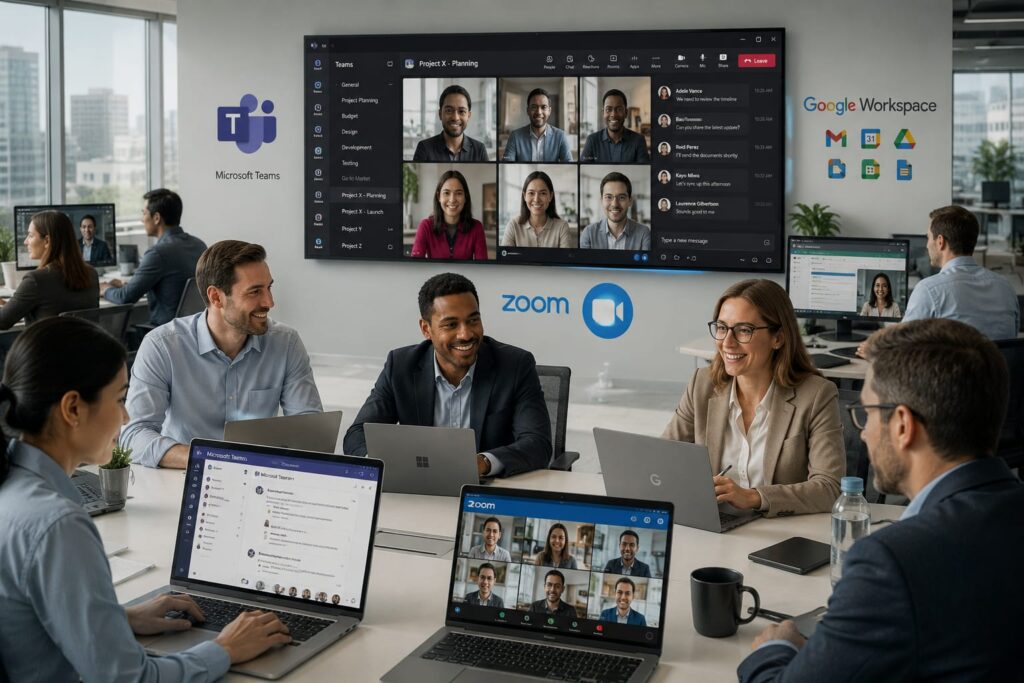
Large enterprises often use both: Teams for internal operations and Zoom for external clients.
Which Platform Is Best for Different Users?
| User Type | Recommended Platform |
|---|---|
| Students | Google Meet |
| Freelancers | Zoom |
| Small Businesses | Google Meet |
| Startups | Zoom |
| Enterprises | Microsoft Teams |
| Educators | Google Meet |
| Agencies | Zoom |
Insights:
- Students prefer Google Meet for simplicity
- Freelancers rely on Zoom for client trust
- Enterprises choose Teams for structured workflows
- Agencies mix Zoom + Google Meet depending on client type
Real-World Performance Testing and Personal Experience
From years of testing all three platforms in real production environments, here are key insights:
Reliability
Zoom has the most stable connection handling, especially in low-bandwidth regions.
Meeting Stability
Google Meet rarely crashes but struggles with large-scale webinars compared to Zoom.
Mobile Experience
Teams mobile app is powerful but heavy. Zoom is more responsive. Google Meet is the lightest.
Audio Quality
Zoom uses advanced noise suppression, making it ideal for noisy environments.
Collaboration Efficiency
Microsoft Teams leads due to integrated chat, files, and workflows.
In real projects, I’ve noticed productivity improves when teams stick to one ecosystem instead of mixing tools randomly.

Final Verdict – Zoom vs Google Meet vs Microsoft Teams
After extensive real-world usage, the decision becomes clear depending on context:
Best Overall Platform
Microsoft Teams
Best for complete business ecosystems and enterprise collaboration.
Best for Simplicity
Google Meet
Perfect for quick meetings and lightweight usage.
Best for Client Meetings
Zoom
Still unmatched for external communication and webinars.
Best Collaboration Ecosystem
Microsoft Teams wins due to deep integration with Microsoft 365.
Best Video Conferencing Software Overall (2026)
If I had to choose one in a real consulting scenario:
Microsoft Teams for enterprises, Zoom for external communication, Google Meet for simplicity.
The zoom vs google meet vs microsoft teams debate in 2026 is no longer about which tool is “best,” but which tool fits your workflow ecosystem.
- Choose Zoom for reliability and client-facing communication
- Choose Google Meet for fast, lightweight collaboration
- Choose Microsoft Teams for enterprise-grade productivity and long-term scaling
Author

razamohd1203@gmail.com
Related Posts
Best Time Management Apps 2026: Top Productivity Tools to Organize Work, Focus Better & Save Time
- 0
- 1,721 word
If there’s one thing I’ve noticed after more than 15 years of helping entrepreneurs, freelancers, executives, and remote teams improve productivity, it’s...
Best SaaS Tools for Startups (2026): Top Software Platforms to Scale Your Business Faster
- 1
- 1,863 word
In 2026, startups move faster than ever. Teams launch products globally, hire remote talent, automate operations, and scale without building massive in-house...
Best Productivity Apps for Students (2026): Top Study, Focus & Planner Apps Compared
- 1
- 1,900 word
Student life in 2026 looks very different from what it did a decade ago. Between online classes, hybrid learning, research projects, internships,...
Best Project Management Software Compared (2026): Top Tools for Teams, Startups & Businesses
- 0
- 1,840 word
In 2026, project management software is no longer a luxury. It has become the operating system of modern businesses. Whether you’re running...
1 comment