
- 0
- 1,721 word
If there’s one thing I’ve noticed after more than 15 years of helping entrepreneurs, freelancers, executives, and remote teams improve productivity, it’s this: people are not struggling because they lack ambition. They are struggling because modern work constantly competes for their attention.
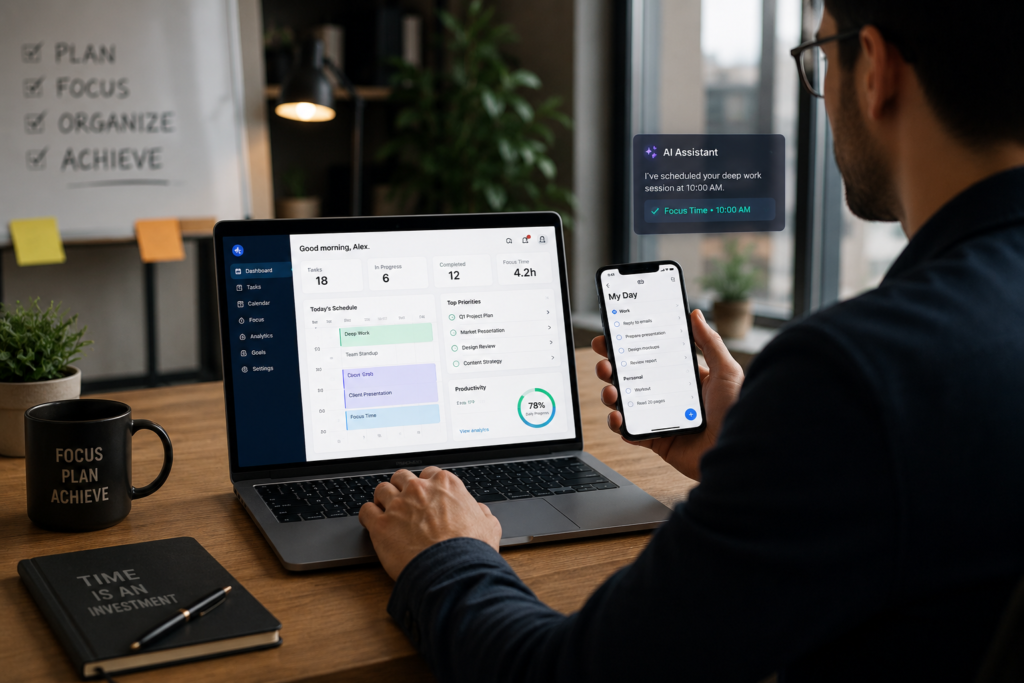
In 2026, most professionals operate across email, messaging platforms, project management systems, AI assistants, calendars, video meetings, and collaboration tools. The result is digital overload, notification fatigue, and a feeling that the workday disappears before meaningful work gets done.
Ironically, AI has made productivity both easier and more challenging. While AI productivity tools can automate repetitive tasks, they also increase the pace of work. Teams now expect faster responses, quicker decisions, and continuous availability.
Over the years, I’ve tested hundreds of productivity software solutions, from simple to-do list applications to advanced work management software powered by artificial intelligence. Some transformed workflows dramatically. Others added complexity without delivering meaningful results.
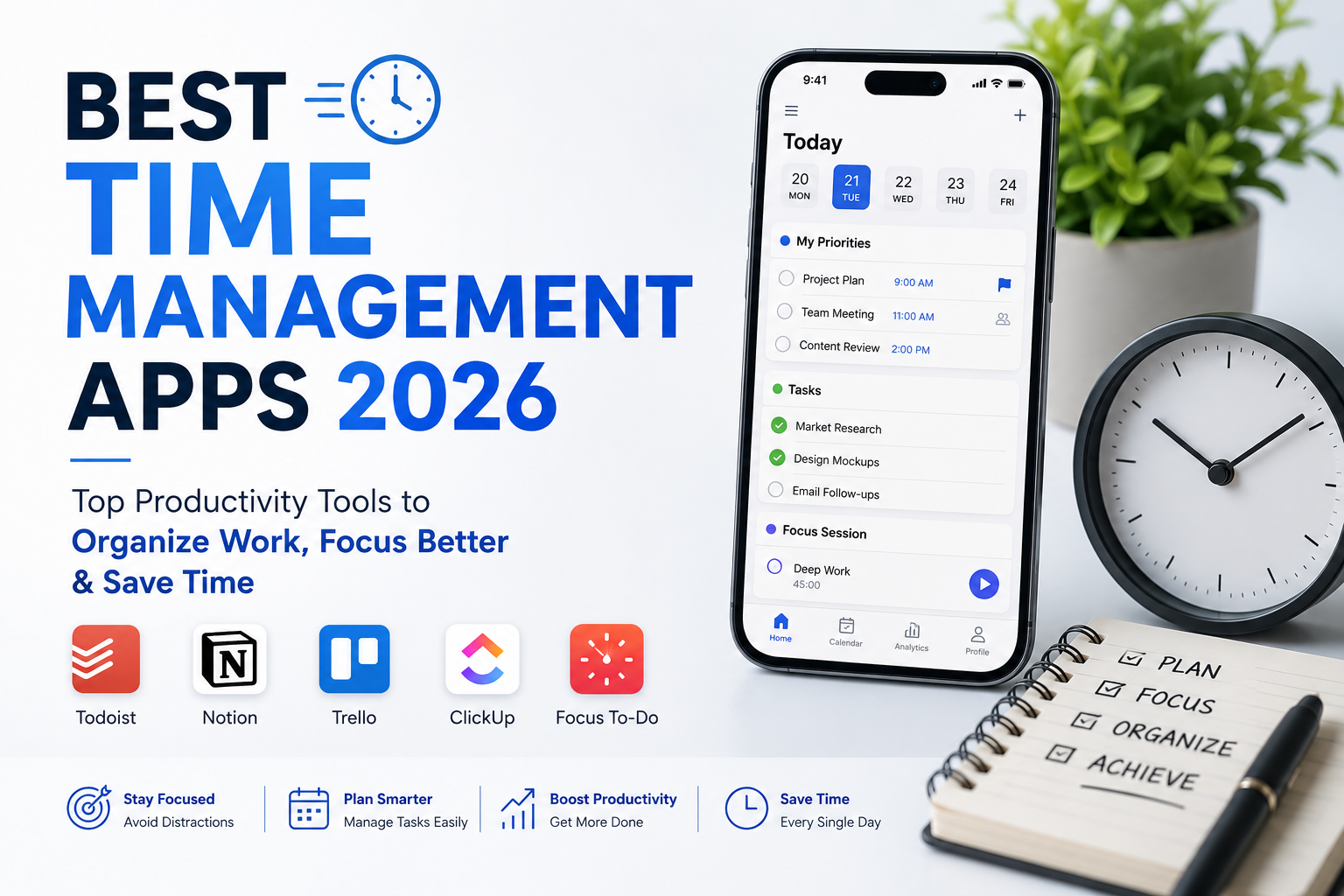
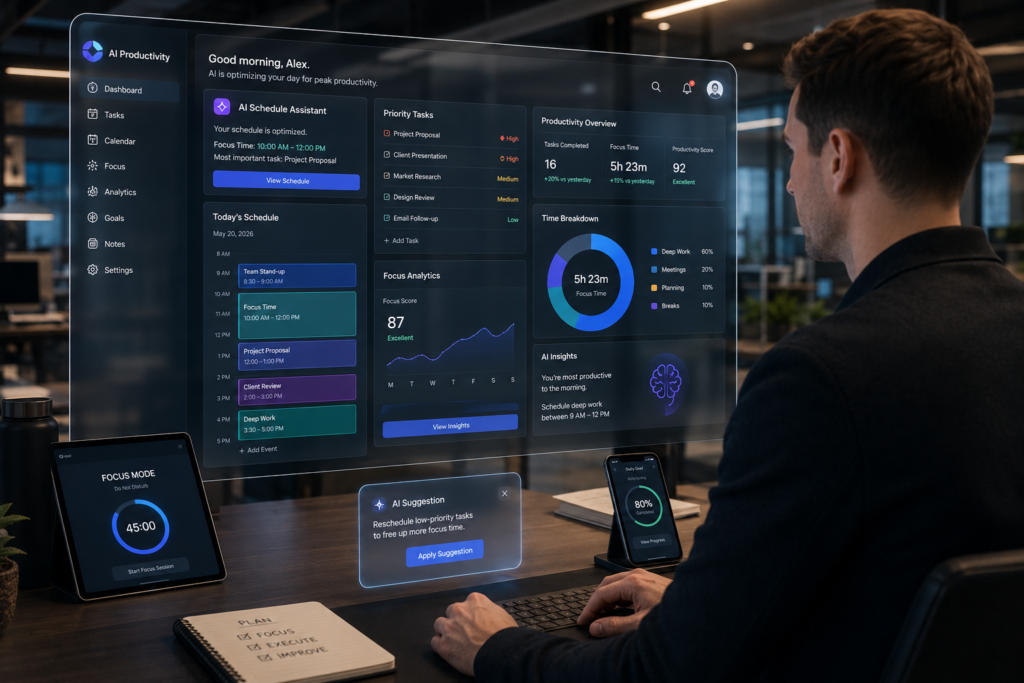
This guide explores the best time management apps 2026 professionals should consider, including task scheduling apps, productivity timer apps, time tracking apps for professionals, and personal productivity apps that genuinely improve focus, organization, and efficiency.
Why Time Management Matters More Than Ever in 2026
The Cost of Constant Distractions
Research consistently shows that workplace interruptions can significantly reduce productivity. In practical consulting engagements, I’ve seen professionals lose hours daily simply switching between Slack messages, emails, meetings, and project updates.
Distraction management is no longer optional. It has become a competitive advantage.
Hybrid Work Challenges
Hybrid and remote work productivity continue to reshape how teams operate. While flexibility has improved work-life balance for many professionals, it has also blurred boundaries between work and personal life.
Without proper daily planning tools and calendar management apps, many workers end up constantly reacting instead of proactively managing priorities.
AI-Powered Productivity Expectations
Organizations increasingly expect employees to leverage AI productivity tools for faster execution. While this boosts efficiency, it also raises performance expectations.
The challenge isn’t doing more work. It’s focusing on the right work.
Why Traditional To-Do Lists No Longer Work
Simple lists fail because they don’t account for energy levels, scheduling conflicts, meeting overload, or shifting priorities.
Modern productivity systems combine task management tools, smart scheduling, workflow automation, and goal tracking apps into a unified workflow.
What Makes the Best Time Management Apps 2026 Stand Out?
When evaluating the best time management apps 2026, I focus on practical usability rather than marketing claims.
Automation Features
The best tools reduce manual effort through workflow automation and intelligent task handling.
Focus Enhancement
Strong focus apps help eliminate distractions and encourage deep work sessions.
Time Tracking Accuracy
Accurate tracking reveals where time is actually spent rather than where people think it is spent.
Smart Scheduling
Modern task scheduling apps dynamically organize workloads based on availability and priorities.
AI Assistance
AI can now prioritize tasks, schedule work blocks, summarize meetings, and optimize calendars.
Cross-Platform Sync
Seamless synchronization across desktop, web, and mobile devices is essential.
Team Collaboration
Effective team collaboration tools improve visibility without creating communication overload.
Best Time Management Apps 2026 – Quick Overview
Todoist
Key Features: Task management, recurring tasks, project organization.
Pros: Clean interface, easy adoption, excellent mobile experience.
Cons: Limited advanced project planning.
Best For: Individuals and freelancers.
Pricing: Free plan available; premium upgrades available.
Personal Verdict: One of the most reliable personal productivity apps available.
Learn more at Todoist
ClickUp
Key Features: Project planning software, collaboration, dashboards.
Pros: Extremely flexible.
Cons: Can feel overwhelming initially.
Best For: Growing teams and agencies.
Pricing: Free and paid plans.
Personal Verdict: Outstanding work management software for scaling operations.
Visit ClickUp
Notion
Key Features: Knowledge management, documentation, databases.
Pros: Highly customizable.
Cons: Setup requires effort.
Best For: Knowledge workers and creators.
Personal Verdict: A powerful digital planner and information hub.
Explore Notion
RescueTime
Key Features: Automatic productivity tracking.
Pros: Excellent behavioral insights.
Cons: Limited task management.
Best For: Productivity analysis.
Personal Verdict: Eye-opening for professionals who underestimate distractions.
Official site: RescueTime
Clockify
Key Features: Time tracking, reporting.
Pros: Generous free plan.
Cons: Interface can feel utilitarian.
Best For: Freelancers and agencies.
Personal Verdict: One of the strongest time tracking apps for professionals.
Official site: Clockify
Motion
Key Features: AI scheduling and task planning.
Pros: Excellent automation.
Cons: Higher cost.
Best For: Busy executives.
Personal Verdict: Among the most impressive AI productivity tools today.
Official site: Motion
Sunsama
Key Features: Daily planning and work-life balance.
Pros: Intentional planning workflow.
Cons: Less automation than Motion.
Best For: Professionals seeking structure.
Personal Verdict: Excellent for reducing overwhelm.
TickTick
Key Features: Tasks, habits, calendar, Pomodoro timer.
Pros: Exceptional value.
Cons: Collaboration features are limited.
Best For: Individuals.
Personal Verdict: One of the most complete personal productivity apps available.
Official site: TickTick
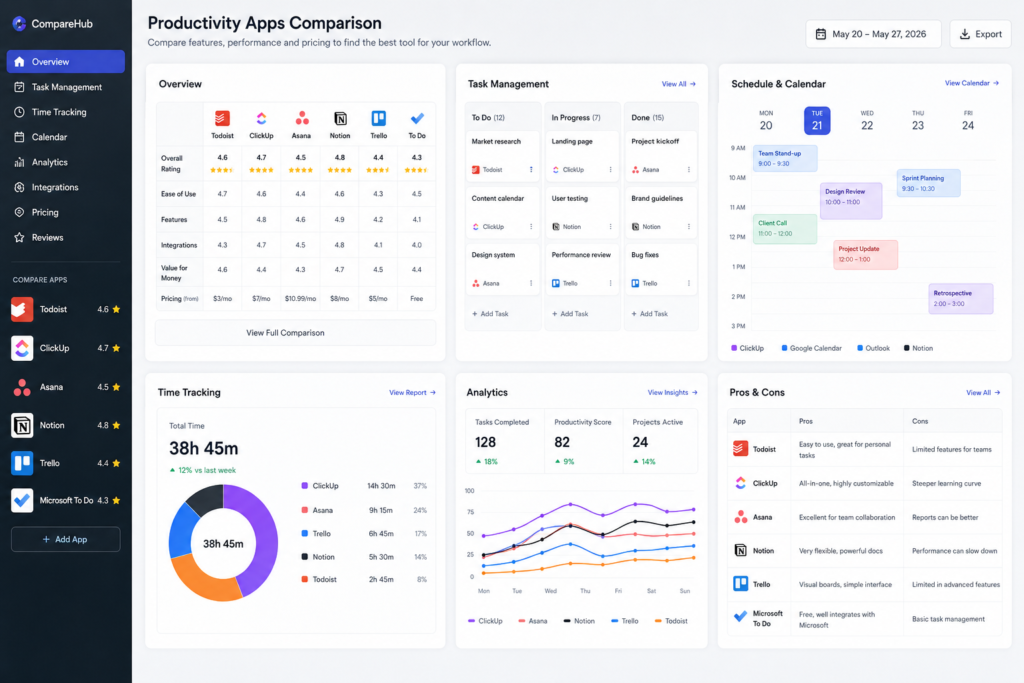
Best Time Management Apps 2026 Comparison Table
| App | Best For | Free Plan | Time Tracking | Scheduling | AI Features | Mobile App | Pricing |
|---|---|---|---|---|---|---|---|
| Todoist | Personal tasks | Yes | Limited | Good | Basic | Excellent | Low |
| ClickUp | Teams | Yes | Yes | Good | Strong | Excellent | Moderate |
| Notion | Knowledge management | Yes | Limited | Moderate | Growing | Excellent | Moderate |
| RescueTime | Analytics | Limited | Excellent | No | Moderate | Good | Moderate |
| Clockify | Tracking | Yes | Excellent | Basic | Limited | Good | Low |
| Motion | Executives | No | Moderate | Excellent | Excellent | Good | Premium |
| Sunsama | Planning | Trial | Basic | Excellent | Moderate | Good | Premium |
| TickTick | Individuals | Yes | Good | Good | Basic | Excellent | Low |
Best Productivity Timer Apps for Deep Work and Focus
Forest
Gamifies focus by growing virtual trees during uninterrupted work sessions.
Focus To-Do
Combines task management with Pomodoro timer functionality.
Pomofocus
Simple browser-based focus solution with minimal distractions.
TickTick Pomodoro
My favorite all-in-one approach because tasks and focus sessions stay connected.
During productivity experiments with executives and content creators, the Pomodoro Method consistently improved concentration. A practical approach is 50 minutes of focused work followed by a 10-minute recovery period.
Among productivity timer apps, TickTick and Focus To-Do provide the best balance between simplicity and functionality.
Best Time Tracking Apps for Professionals
Clockify
Ideal for freelancers, consultants, and agencies that require detailed reporting.
Toggl Track
Offers an elegant interface with excellent reporting.
RescueTime
Tracks behavior automatically and reveals productivity patterns.
Harvest
Excellent for client billing and invoicing.
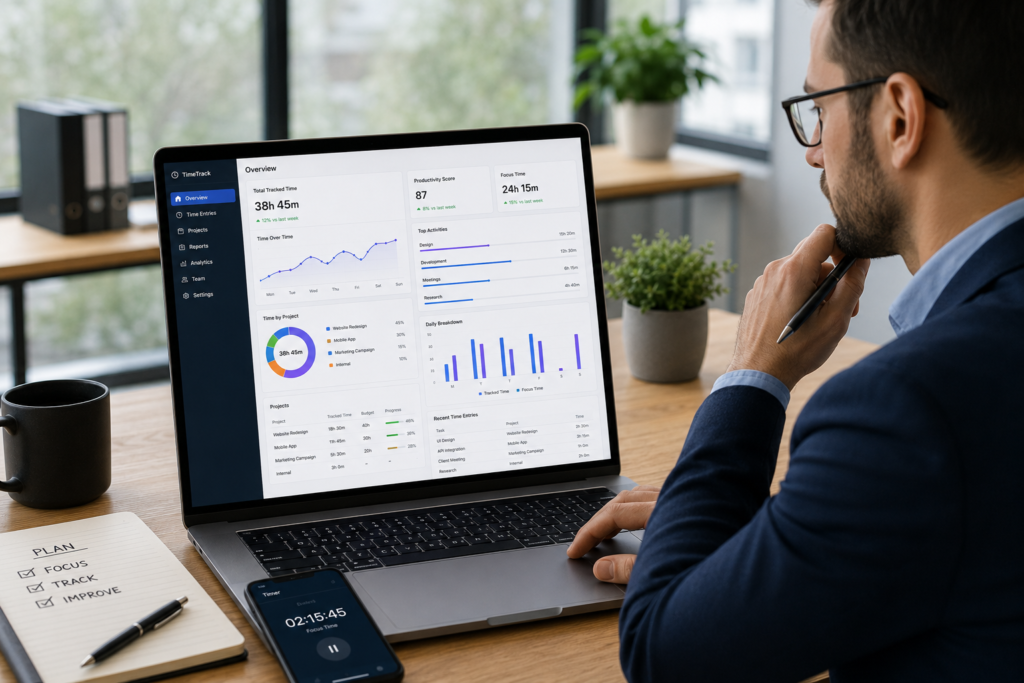
The best time tracking apps for professionals aren’t merely about recording hours. They provide actionable insights into productivity, profitability, and workload management.
For agencies, Harvest and Clockify are excellent. For self-awareness and productivity analysis, RescueTime remains unmatched.
Best Task Scheduling Apps for Busy Professionals
Motion
AI dynamically rearranges schedules based on priorities and deadlines.
Sunsama
Encourages deliberate daily planning and workload balancing.
Akiflow
Centralizes tasks from multiple platforms into one workspace.
Google Calendar
Still one of the most effective calendar management apps available.
The best task scheduling apps help professionals automate calendar blocking, optimize meetings, and maintain realistic workloads.
Motion currently leads in AI-powered smart scheduling.
Personal Productivity Apps That Changed My Workflow
Notion
Excellent for knowledge management and documentation.
ClickUp
Combines projects, goals, and collaboration.
Todoist
Perfect for lightweight task management.
TickTick
Combines habits, planning, reminders, and focus tools.
Among all personal productivity apps I’ve tested, TickTick and Todoist offer the fastest path to consistency, while Notion excels at long-term organization.
AI-Powered Time Management Trends in 2026
AI Scheduling Assistants
AI now schedules meetings and work blocks automatically.
Predictive Task Prioritization
Systems increasingly predict urgency before users manually prioritize.
Smart Calendar Optimization
Calendars adapt dynamically based on workload and deadlines.
Automated Workflow Creation
Workflow automation eliminates repetitive administrative work.
AI Productivity Coaching
Emerging tools provide personalized productivity recommendations based on behavior patterns.
AI productivity tools are shifting from passive software to proactive assistants.
Which Time Management App Is Best for Different Users?
| User Type | Recommended App |
|---|---|
| Students | TickTick |
| Freelancers | Clockify + Todoist |
| Entrepreneurs | Motion |
| Remote Teams | ClickUp |
| Agencies | ClickUp + Harvest |
| Executives | Motion |
| Content Creators | Notion |
| Consultants | Clockify + Sunsama |
Students benefit from simplicity. Agencies need collaboration. Executives often gain the most value from AI scheduling and automation.
Common Mistakes People Make When Using Productivity Apps
Using Too Many Apps
Tool overload creates complexity.
Over-Planning
Planning should support execution, not replace it.
Ignoring Review Systems
Weekly reviews remain essential.
Tracking Everything
Excessive measurement often creates unnecessary administrative work.
Focusing on Tools Instead of Habits
The best productivity software cannot compensate for poor habits.
My most successful clients typically use three core systems: task management, calendar management, and time tracking.
Frequently Asked Questions
What is the best time management app in 2026?
For most professionals, Motion offers the strongest combination of AI scheduling, automation, and task management.
Which app is best for students?
TickTick provides affordability, habit tracking, reminders, and productivity timer apps features in one platform.
What are the best productivity timer apps?
Forest, Focus To-Do, Pomofocus, and TickTick Pomodoro are among the best productivity timer apps available today.
Which app offers the best AI scheduling?
Motion currently leads the market in AI scheduling capabilities.
Are free productivity apps enough?
For many individuals, yes. Todoist, Clockify, Notion, and TickTick offer excellent free plans.
Which time tracking app is best for freelancers?
Clockify remains one of the strongest time tracking apps for professionals who bill clients and require detailed reporting.
Final Verdict – Best Time Management Apps 2026
Best Overall App
Motion — Best balance of AI, scheduling, and productivity.
Best Free App
Clockify — Exceptional value for tracking and reporting.
Best for Professionals
ClickUp — Comprehensive work management software.
Best Productivity Timer App
TickTick Pomodoro — Focus and task management combined.
Best Task Scheduling App
Motion — Outstanding smart scheduling capabilities.
Best Personal Productivity App
Todoist Simple, powerful, and sustainable.
The truth is that the best time management apps 2026 are not necessarily the most popular ones. The right choice depends on your workflow, responsibilities, and productivity challenges. Start by identifying your biggest bottleneck focus, planning, scheduling, collaboration, or tracking and select a tool designed to solve that specific problem. Productivity improves when systems fit your workflow, not when you force your workflow to fit a trendy app.
Author

razamohd1203@gmail.com
Related Posts
Zoom vs Google Meet vs Microsoft Teams: Complete Comparison for Businesses & Remote Teams (2026)
- 1
- 1,305 word
The way teams work has permanently changed. In 2026, remote work is no longer a “trend” it’s the default operating model for...
Best SaaS Tools for Startups (2026): Top Software Platforms to Scale Your Business Faster
- 1
- 1,863 word
In 2026, startups move faster than ever. Teams launch products globally, hire remote talent, automate operations, and scale without building massive in-house...
Best Productivity Apps for Students (2026): Top Study, Focus & Planner Apps Compared
- 1
- 1,900 word
Student life in 2026 looks very different from what it did a decade ago. Between online classes, hybrid learning, research projects, internships,...
Best Project Management Software Compared (2026): Top Tools for Teams, Startups & Businesses
- 0
- 1,840 word
In 2026, project management software is no longer a luxury. It has become the operating system of modern businesses. Whether you’re running...