
- 0
- 1,701 word
Artificial intelligence has completely transformed the way we use our iPhones. What started with simple voice commands has evolved into powerful AI assistants, smart productivity tools, intelligent writing companions, advanced image editors, and research assistants that fit in your pocket.
After spending more than 15 years testing mobile applications, evaluating productivity software, and helping users optimize their digital workflows, I can confidently say that today’s best AI apps for iPhone are among the most impactful tools ever introduced to the Apple ecosystem.
Whether you’re a student, business owner, content creator, marketer, researcher, or everyday iPhone user, modern AI apps for iOS can save hours of work every week. From generating content and summarizing documents to creating visuals and organizing tasks, AI is becoming an essential part of daily life.
In this guide, I’ll share my hands-on experience with the best AI assistant app iPhone users should consider, review the leading AI productivity apps iPhone users rely on, and explore the most promising AI iPhone apps 2026 has to offer.
Why AI Apps Are Becoming Essential for iPhone Users
AI is no longer a luxury feature. It has become a daily necessity.
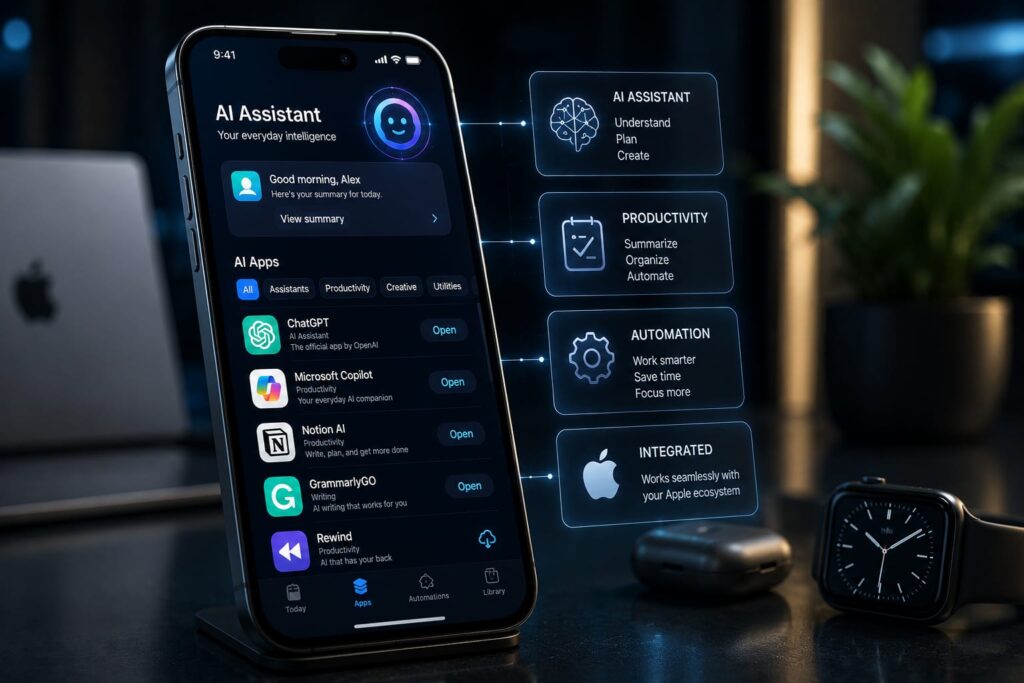
One major reason is the rise of on-device intelligence. Apple’s growing focus on Apple Intelligence is enabling more tasks to happen directly on the device, improving privacy and speed.
I’ve personally noticed dramatic productivity improvements when using AI-powered workflows. For example:
- Summarizing lengthy emails
- Drafting client proposals
- Organizing meeting notes
- Generating social media content
- Researching complex topics
Tasks that once took 30 minutes can now be completed in under five.
The combination of AI, cloud computing, and Apple’s ecosystem integration is making the iPhone smarter than ever before.
Best AI Apps for iPhone in 2026
ChatGPT
Overview
ChatGPT remains the gold standard among AI assistants.
Key Features
- Conversational AI
- Voice interaction
- Image generation
- Document analysis
- Coding assistance
Pros
- Excellent accuracy
- Fast responses
- Strong creativity
Cons
- Advanced features require subscription
Best For
General users, professionals, students, developers.
Pricing
Free + Premium plans.
Personal Experience
I use ChatGPT daily for research, brainstorming, writing outlines, and productivity planning. It consistently delivers reliable results.
Google Gemini
Overview
Gemini integrates deeply with Google’s ecosystem.
Key Features
- Google Workspace integration
- Real-time web knowledge
- Multimodal capabilities
Pros
- Excellent research abilities
- Strong web access
Cons
- Sometimes less conversational
Best For
Google Workspace users.
Pricing
Free and paid options.
Personal Experience
Gemini shines when researching current events and pulling insights from Google services.
Claude
Overview
Claude focuses heavily on reasoning and long-form analysis.
Key Features
- Long context windows
- Advanced writing support
- Detailed explanations
Pros
- Exceptional writing quality
- Strong reasoning
Cons
- Fewer ecosystem integrations
Best For
Writers and researchers.
Pricing
Free and Pro plans.
Personal Experience
Claude often produces some of the most natural and human-like writing among AI assistants.
Perplexity AI
Overview
Perplexity blends AI assistance with search.
Key Features
- Source citations
- Research-focused answers
- Real-time information
Pros
- Transparency
- Excellent fact-finding
Cons
- Less creative output
Best For
Researchers and students.
Pricing
Free and Pro.
Personal Experience
I frequently use Perplexity when validating information before publishing content.
Microsoft Copilot
Overview
Microsoft’s AI assistant integrates with Office tools.
Key Features
- Microsoft 365 integration
- Productivity automation
- Writing assistance
Pros
- Business-focused
- Strong Office workflow support
Cons
- Best value for Microsoft users
Best For
Business professionals.
Pricing
Free and premium options.
Personal Experience
Copilot significantly speeds up document creation and spreadsheet analysis.
Grammarly
Overview
AI-powered writing assistant.
Key Features
- Grammar correction
- Tone adjustment
- AI writing support
Pros
- Improves writing quality
- Easy to use
Cons
- Advanced features are paid
Best For
Professionals and students.
Pricing
Free and Premium.
Personal Experience
Grammarly catches subtle mistakes that many writers overlook.
Notion AI
Overview
One of the most powerful productivity-focused AI apps.
Key Features
- Notes organization
- Summaries
- Content generation
Pros
- Excellent workspace integration
Cons
- Learning curve
Best For
Knowledge workers.
Pricing
Included in select Notion plans.
Personal Experience
Notion AI has transformed how I organize research projects.
Otter.ai
Overview
AI-powered meeting assistant.
Key Features
- Live transcription
- Meeting summaries
- Speaker identification
Pros
- Highly accurate transcription
Cons
- Best features require subscription
Best For
Teams and remote workers.
Pricing
Free and paid plans.
Personal Experience
Otter.ai saves hours of manual note-taking every month.
Canva AI
Overview
Creative AI suite for content creation.
Key Features
- AI image generation
- Design automation
- Content assistance
Pros
- Beginner-friendly
Cons
- Advanced features cost extra
Best For
Creators and marketers.
Pricing
Free and Pro.
Personal Experience
Canva AI dramatically accelerates social media design workflows.
Photomator AI
Overview
Advanced AI photo editing for iPhone.
Key Features
- Smart editing
- AI enhancement
- Object removal
Pros
- Excellent image quality
Cons
- Premium pricing
Best For
Mobile photographers.
Pricing
Subscription available.
Personal Experience
Photomator is one of the most impressive AI photo editors available for iOS.
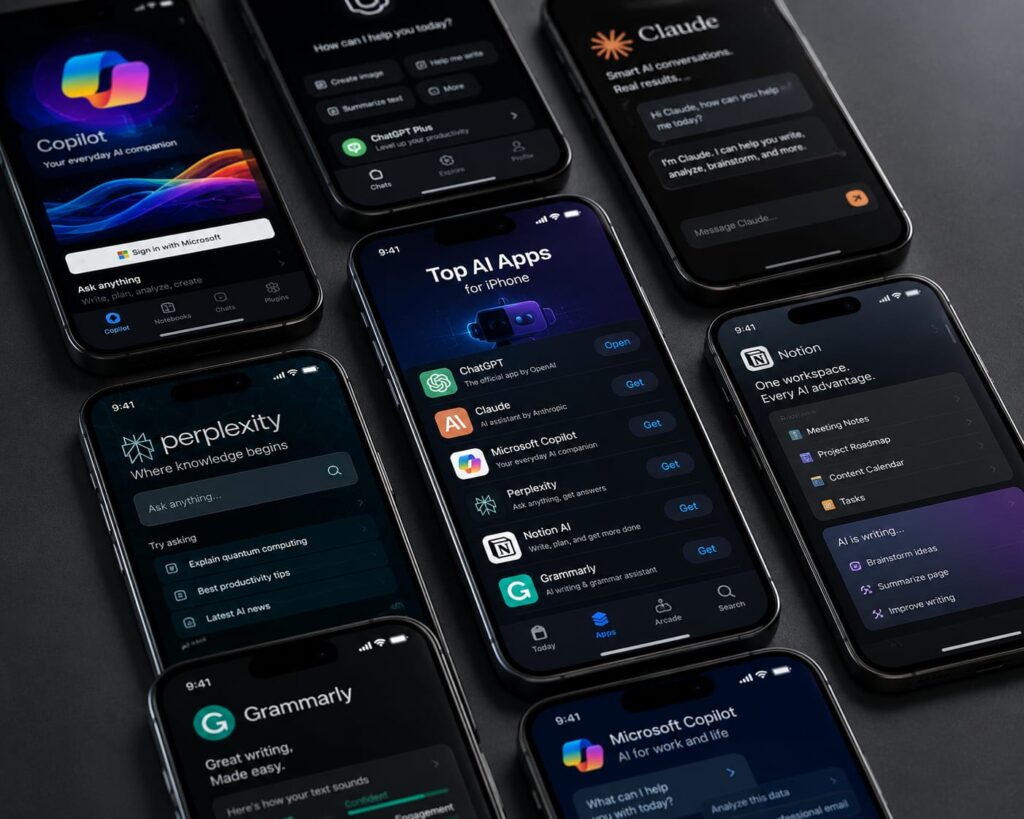
Comparison Table – Best AI Apps for iPhone
| App | Category | Free Plan | AI Features | Best For | Pricing |
|---|---|---|---|---|---|
| ChatGPT | AI Assistant | Yes | Writing, Voice, Research | Everyone | Free/Paid |
| Gemini | AI Assistant | Yes | Search, Workspace AI | Google Users | Free/Paid |
| Claude | Writing AI | Yes | Long-form Analysis | Writers | Free/Paid |
| Perplexity | Research AI | Yes | Source-based Search | Researchers | Free/Paid |
| Copilot | Productivity | Yes | Office Integration | Professionals | Free/Paid |
| Grammarly | Writing | Yes | Grammar & Editing | Students | Free/Paid |
| Notion AI | Productivity | Limited | Notes & Summaries | Teams | Paid |
| Otter.ai | Meetings | Yes | Transcription | Remote Workers | Free/Paid |
| Canva AI | Design | Yes | Content Creation | Creators | Free/Paid |
| Photomator AI | Photography | Trial | Photo Enhancement | Photographers | Paid |
Best AI Assistant App iPhone Users Should Try
When readers ask me which is the best AI assistant app iPhone users should install first, my answer depends on their needs.
ChatGPT
Best overall balance of intelligence, usability, and creativity.
Gemini
Excellent for Google ecosystem users.
Claude
Outstanding for writing and reasoning.
Copilot
Ideal for Microsoft users.
Quick Comparison
| Feature | ChatGPT | Gemini | Claude | Copilot |
|---|---|---|---|---|
| Accuracy | Excellent | Very Good | Excellent | Very Good |
| Speed | Fast | Fast | Fast | Fast |
| Writing | Excellent | Good | Excellent | Good |
| Research | Very Good | Excellent | Good | Good |
| Voice | Excellent | Good | Good | Good |
Best AI Productivity Apps iPhone Users Need in 2026
Note-Taking
Notion AI excels at organizing ideas and summarizing notes.
Task Management
AI-enhanced productivity systems help prioritize tasks automatically.
Writing Assistance
Grammarly and ChatGPT remain top choices.
Email Productivity
AI drafting tools reduce inbox management time dramatically.
Meeting Notes
Otter.ai is currently one of the strongest options available.
Research
Perplexity and ChatGPT provide exceptional research capabilities.
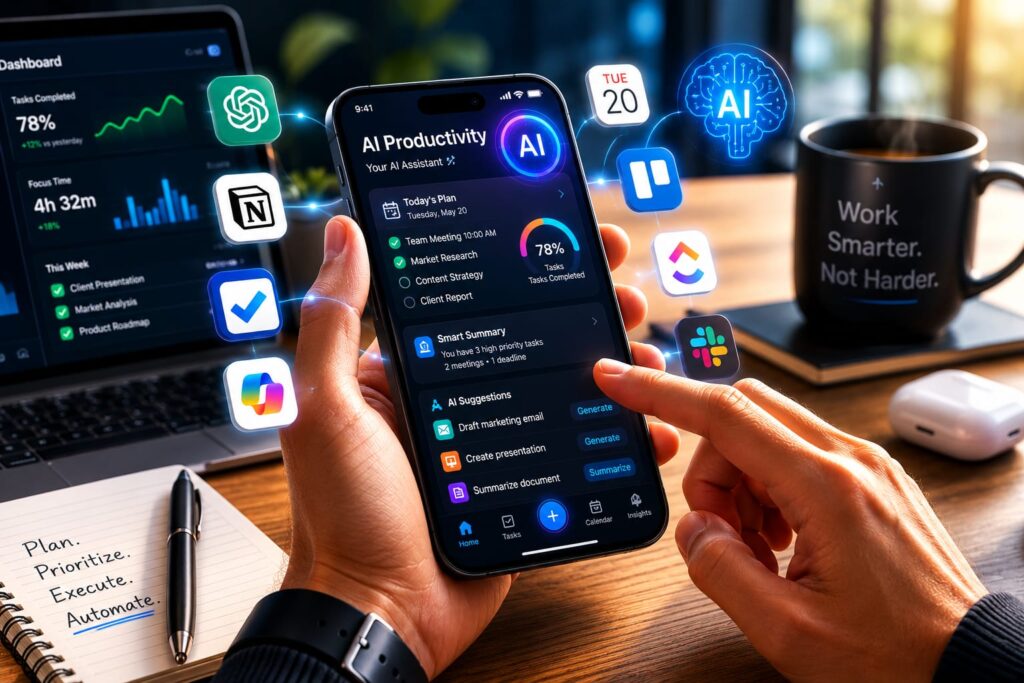
AI Apps for iOS Creators and Content Creators
Creators are among the biggest beneficiaries of AI innovation.
Canva AI simplifies graphic design.
ChatGPT assists with scripts and content planning.
Photomator AI enhances mobile photography.
AI tools now help with:
- Content ideation
- Video scripting
- Graphic design
- Marketing campaigns
- Social media scheduling
- Brand consistency
Many creators can now achieve results previously requiring an entire team.
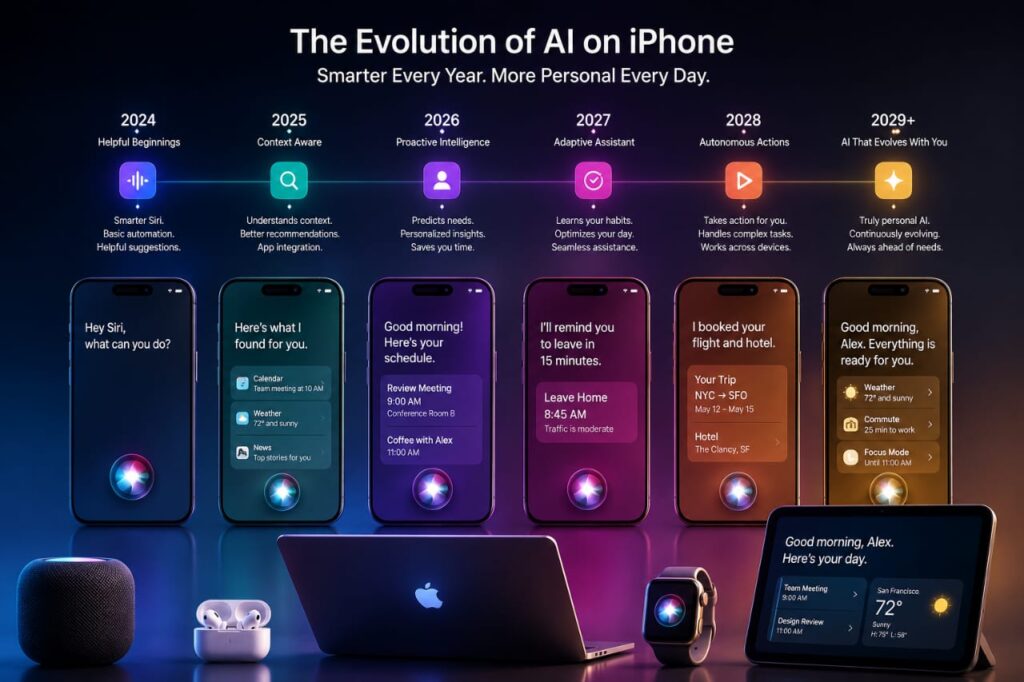
How AI iPhone Apps Have Evolved Over the Last 15 Years
I’ve watched mobile AI evolve from basic assistants to sophisticated digital companions.
The early Siri era introduced voice commands but offered limited functionality.
Then came automation apps that could trigger actions based on simple rules.
The cloud AI revolution unlocked powerful processing capabilities.
The generative AI boom completely changed expectations.
Today, AI can write articles, analyze documents, create images, summarize meetings, and assist with complex decision-making.
Apple Intelligence represents another major milestone. Integration between hardware, software, and AI will likely define the next decade of mobile computing.
AI iPhone Apps 2026 Trends to Watch
On-Device AI
More processing will happen directly on iPhones.
Personalized AI Assistants
AI will better understand user preferences and habits.
Multimodal AI
Text, voice, image, and video interactions will merge.
Voice-First Interfaces
Natural conversations will replace traditional navigation.
AI Productivity Automation
Workflows will become increasingly autonomous.
Apple Intelligence Expansion
Apple’s ecosystem integration will continue accelerating.
Benefits and Limitations of AI Apps for iPhone
Benefits
- Increased productivity
- Significant time savings
- Better creativity
- Faster learning
- Workflow automation
Limitations
- Privacy concerns
- Subscription costs
- Occasional inaccuracies
- Internet dependency
Understanding both sides helps users choose the right tools responsibly.
Frequently Asked Questions
What are the best AI apps for iPhone?
ChatGPT, Gemini, Claude, Perplexity, Copilot, Grammarly, Notion AI, Canva AI, Otter.ai, and Photomator AI.
Which AI assistant is best for iPhone users?
ChatGPT currently offers the most balanced experience.
Are AI apps for iOS worth paying for?
Yes, especially for professionals who use them daily.
What is the best AI productivity app for iPhone?
Notion AI is one of the strongest productivity-focused options.
Which AI app works best with Apple Intelligence?
ChatGPT and Apple’s ecosystem integrations are increasingly complementary.
Are AI apps safe on iPhone?
Most reputable apps are safe, but users should review privacy policies.
What are the best free AI apps for iPhone?
ChatGPT, Gemini, Perplexity, Grammarly, and Copilot offer strong free plans.
Which AI iPhone apps will dominate in 2026?
ChatGPT, Gemini, Claude, Copilot, and Apple Intelligence-integrated apps.
Can AI apps replace productivity software?
Not entirely, but they significantly enhance productivity tools.
Do AI apps work offline?
Some features do, especially with growing on-device AI capabilities.
Final Verdict
If I had to recommend just one app, ChatGPT remains the best overall AI app for iPhone due to its versatility, reliability, and continuous innovation.
Best Overall AI App
ChatGPT
Best Free AI App
Perplexity AI
Best AI Productivity App
Notion AI
Best AI Assistant App
ChatGPT
Best App for Creators
Canva AI
As we move deeper into the era of Apple Intelligence and advanced mobile AI, the gap between smartphones and personal digital assistants will continue to shrink. The best AI apps for iPhone are no longer optional tools they are becoming essential companions for productivity, creativity, learning, and everyday life.
Author

razamohd1203@gmail.com
Related Posts
AI Tools for Teachers: 10 Smart Platforms Transforming Education in 2026
- 0
- 1,785 word
Artificial intelligence has moved far beyond being a futuristic concept in education. Over the past decade and a half, I have worked...
AI Voice Cloning Software 2026: My Real-World Tests Revealed the Most Human-Sounding AI Voices
- 0
- 1,458 word
Twenty-five years ago, creating a professional voice-over required a recording studio, expensive microphones, skilled voice actors, and hours of editing. Today, a...

Future of Artificial Intelligence: How AI Will Change Everyday Life in 2026
- 2
- 1,412 word
The future of artificial intelligence is no longer a distant concept I used to write about a decade ago as “coming soon.”...

Free AI Video Generator for YouTube Creators: Best Tools 2026
- 0
- 1,395 word
The way YouTube content is created has completely changed in the last few years. What used to take hours of scripting, filming,...

Best AI Productivity Apps for Remote Work in 2026 – Tools That Actually Save Time
- 3
- 1,903 word
Remote work has evolved from a temporary trend into a permanent business model. Over the last decade, I’ve worked with distributed teams...

AI Automation for Businesses: How AI is Changing Operations in 2026
- 3
- 1,809 word
In 2026, businesses are no longer asking whether they should adopt AI. The real question is how fast they can implement it...